 VlogAlong
From viewfinder to finished video
Set up both camera views, choose how to save your take and start recording when you’re ready.
Open the viewfinder
Allow camera access to open the viewfinder. Microphone access is optional. Open Camera setup to see the lens pairs and video settings available on your device.
Two ways to record
Instant video
Save a finished MP4 with the same composition you see in the viewfinder.



Record and edit
Keep both camera views. Open the take in Clips to move, resize or reframe the selfie bubble, then export a finished MP4.
Both views saved
Reframe after recording
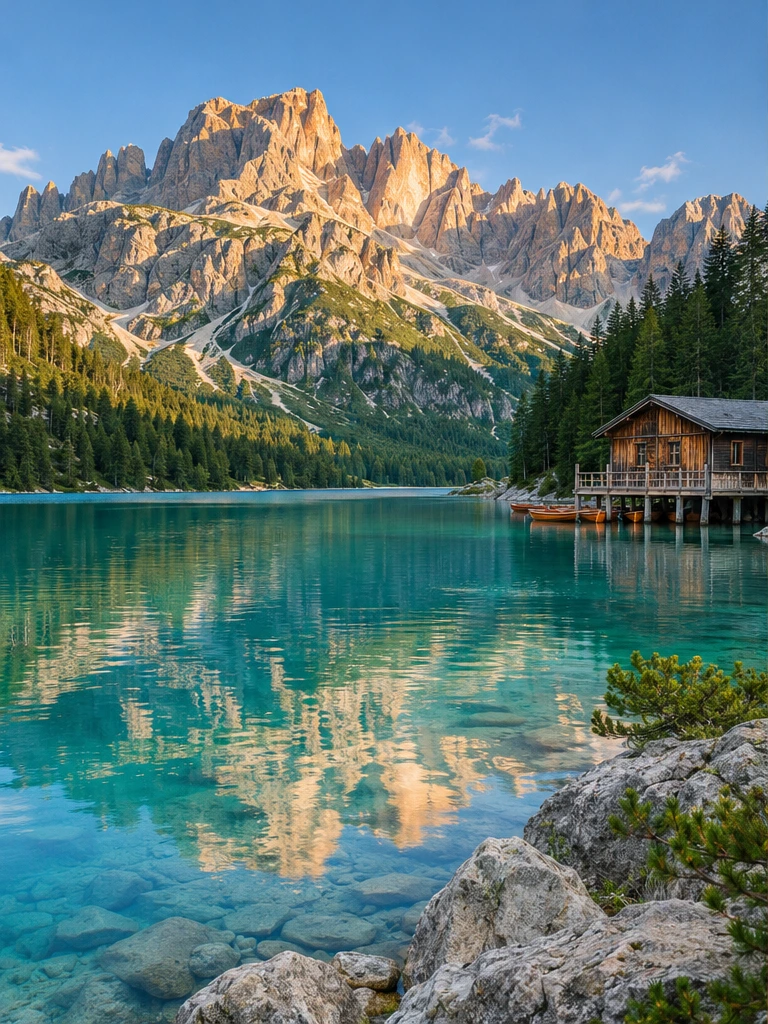
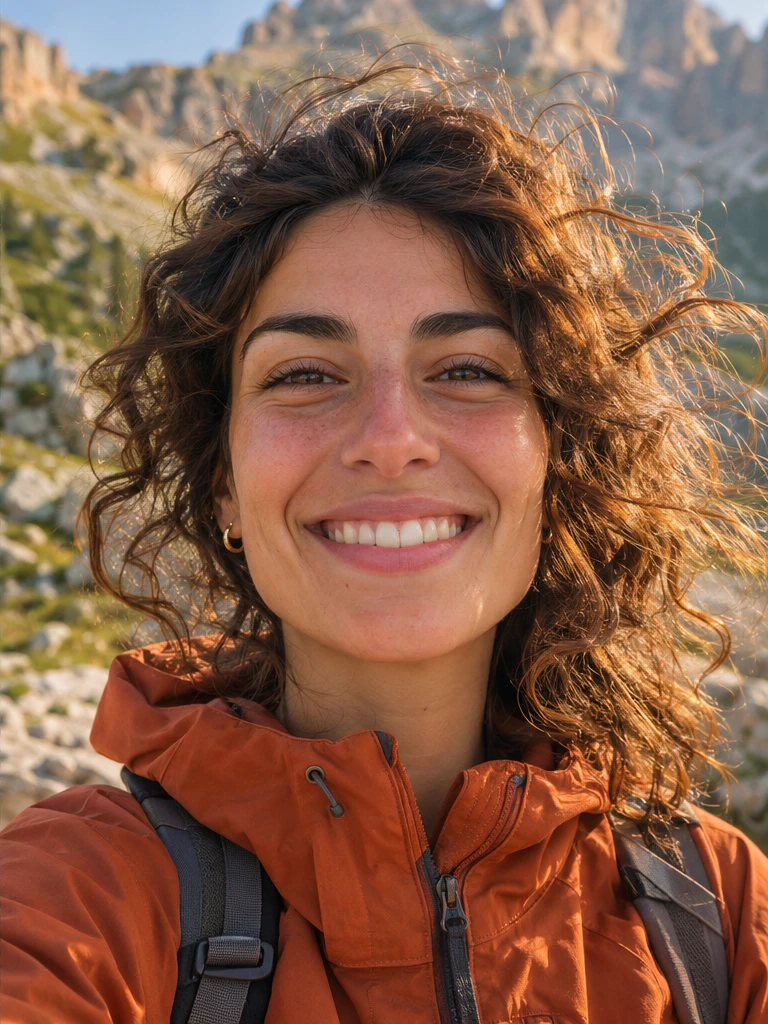
Export MP4

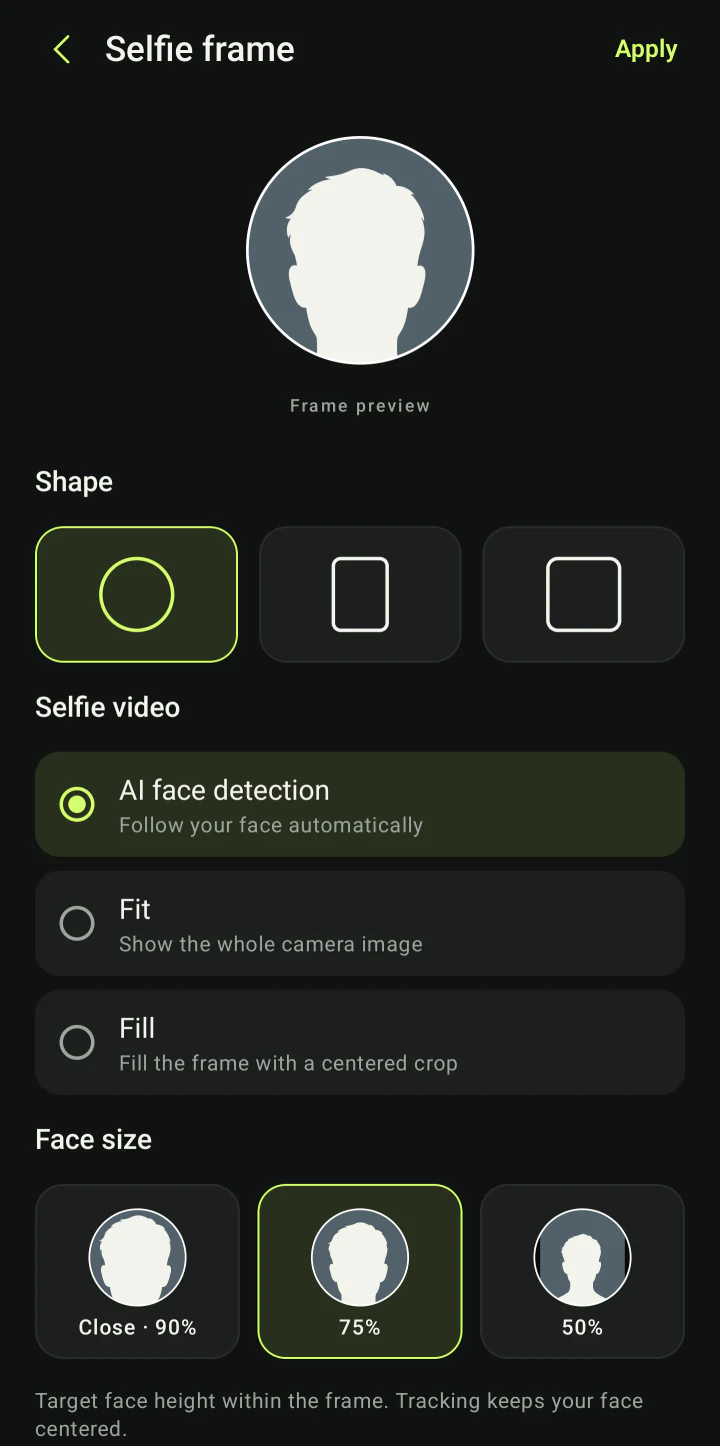
Set the composition
Drag or pinch the selfie bubble in the viewfinder. Open Selfie frame to change the framing, shape and border. Hold the device in the orientation you want before you start. The take keeps that orientation until you stop.
Record, save and share
Start and stop the take using the recording controls. Open Clips to play your take. If you used Record and edit, adjust the selfie bubble in the editor and export a finished MP4. The original take stays available for further edits.
Support